Your money, on your device, in your language.
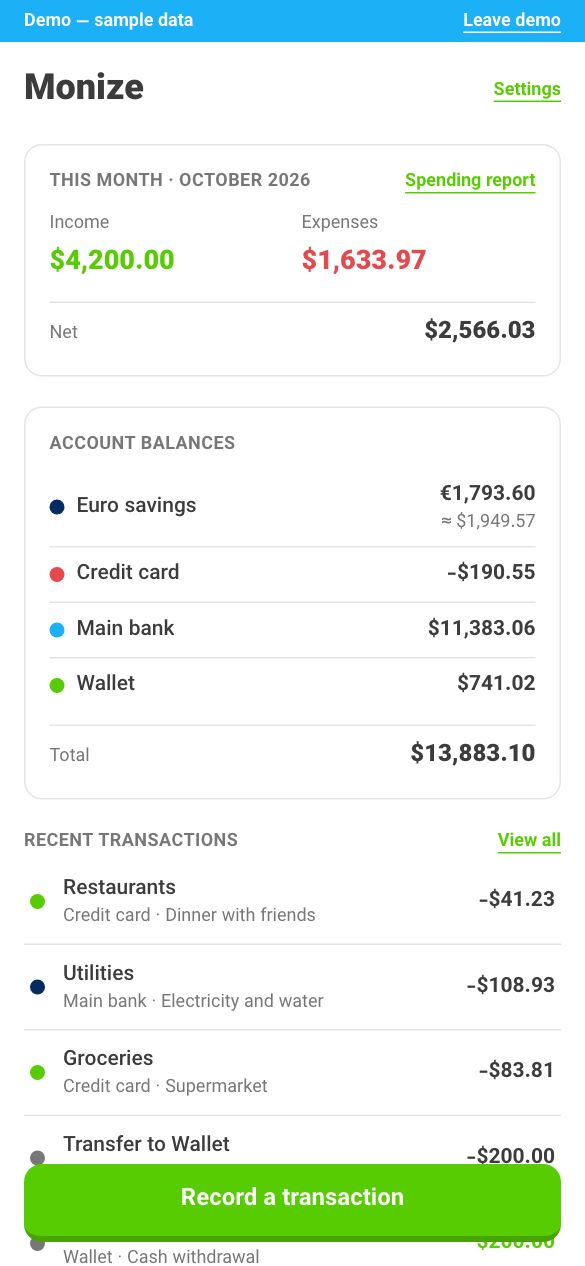
Monize keeps your accounts and transactions in your browser, not on our server. It's built for Farsi and Arabic first, and works just as well in English.
Signing in with Google tells us who you are. It doesn't show us, or Google, your financial data.
Why Monize
Your data stays on your device
Your financial data stays in your browser. We never receive it unless you turn on sync — and when you do, it's encrypted on your device before it leaves.
Right to left, done properly
Every screen is designed in Farsi first, then checked in English. Language, calendar and digits are three separate choices: Farsi with Gregorian dates and Western digits works just as well.
Solar Hijri, Hijri and Gregorian
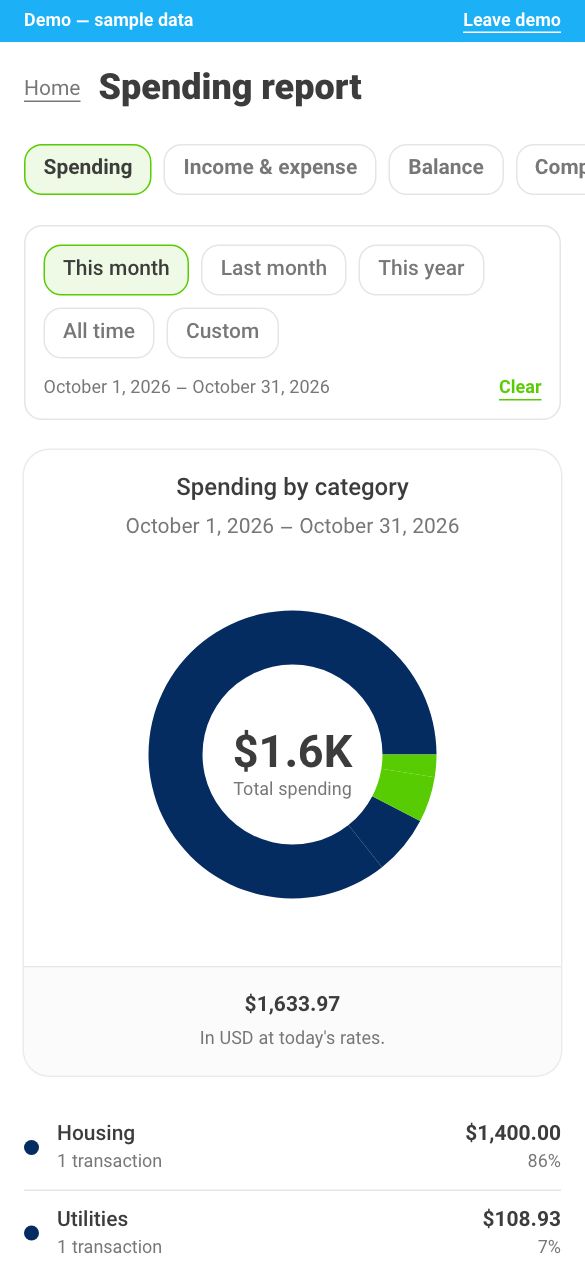
Months, weeks and reports follow the calendar you choose, so Esfand and Ramadan end where they should.
Quick to record
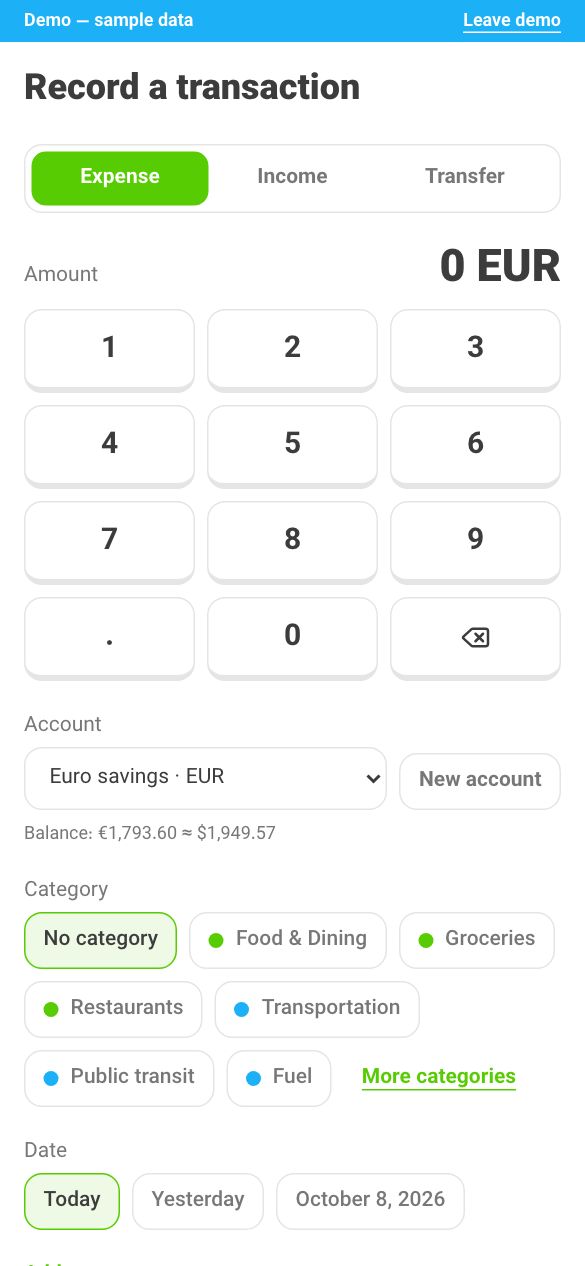
An expense takes a few taps: amount, category, save. It works offline, and nothing waits on a server.
Several currencies
Keep accounts in rials, dollars, euros or dinars. Totals are converted when you view them, at rates you can set yourself.
All your data in one file
Download an encrypted backup whenever you like, and restore it in any browser.
Sync, only if you want it
Sync is off until you turn it on, and the app never nags you about it. Turn it on to keep the same data on your phone and your laptop.
What sync sends to our server
- One copy of your data, encrypted on your device with a key we never have.
- That key, locked with your data passphrase and your recovery key. We can't unlock it.
- The list of devices that sync, with names you can change.
What it never sends
- Your data passphrase or your recovery key.
- Your accounts, transactions or notes in a form we can read.
- Anything at all, while sync is off.
If you lose both your data passphrase and your recovery key, the synced copy can't be recovered — by you or by us. The data on this device isn't affected.
What we don't claim
Data in your browser isn't encrypted on your device. Anyone who can open your browser can see it, so lock your device, and use your own browser profile on a shared computer.
Start with your own data
Continue with Google to begin. The first time creates your account.